
LAG'ing it up!
2026/01/04
Today I wanted to play around Link Aggregation.
SGE2010
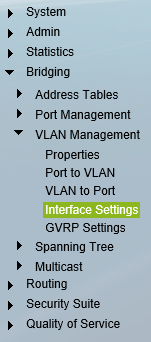 First I had to remove my existing VLAN configuration. I had both Proxmox and Truenas set up the same way with eth0 on VLAN 1 and eth1 on VLAN 100. I ended up setting all 4 ports to Access and VLAN 1 (Not sure if you can set it to a different VLAN or not but its working so i'm not going to break it, plus I assign it to a Trunk later).
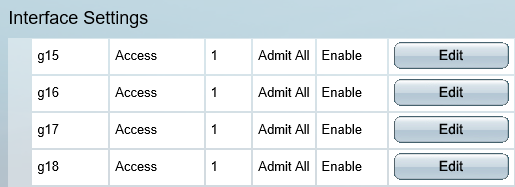
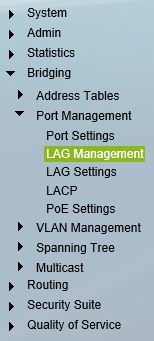 Next I configured both the LAG's by selecting Edit and moving the respective ports over (i.e g17, g18), selecting LACP and naming the LAG to remember what's set to what.
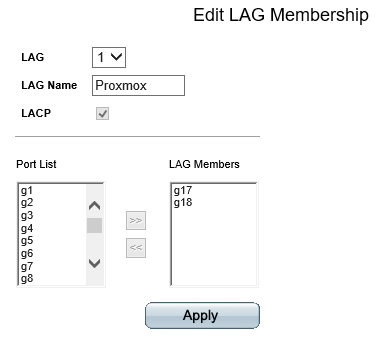
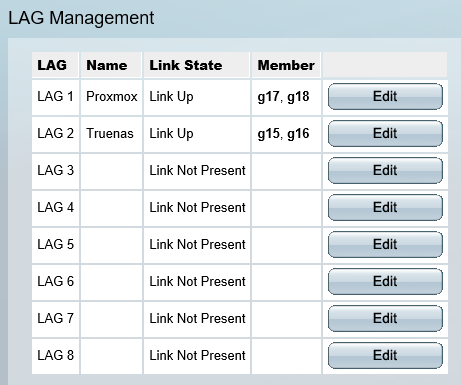
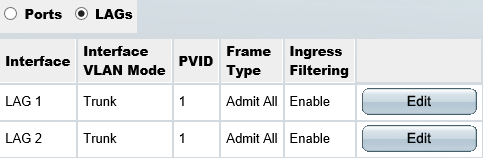
Once the LAG's were created I then assigned them both to be Trunks and enabled all the necessary VLANs.
Proxmox
Next in I removed the previous configuration where I had set VLAN 1 -> eno0 -> vmbr0 and VLAN 100 -> eno1 ->vmbr1.
And instead I configured so both ports are Slaves to bond0 with the mode set to LACP and policy set to Layer2+3.
Then I set bond0 as the bridge port for vmbr0, enabled VLAN aware and set the CIDR and gateway.

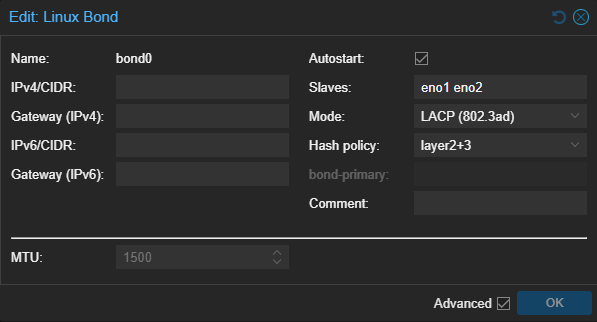
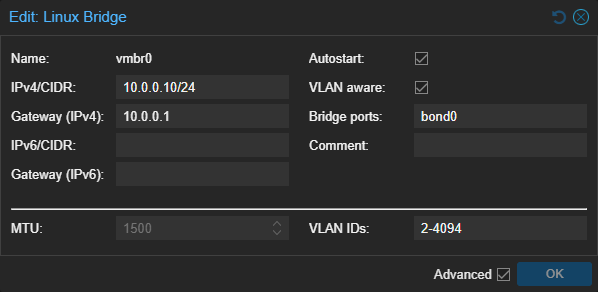
Now when I create VM's or LXC's I assign them to vmbr0 and select the VLAN I want them on. Where as before I would have to select either vmbr0 or vmbr1 depending on which VLAN I wanted the vm on/ access to.
Truenas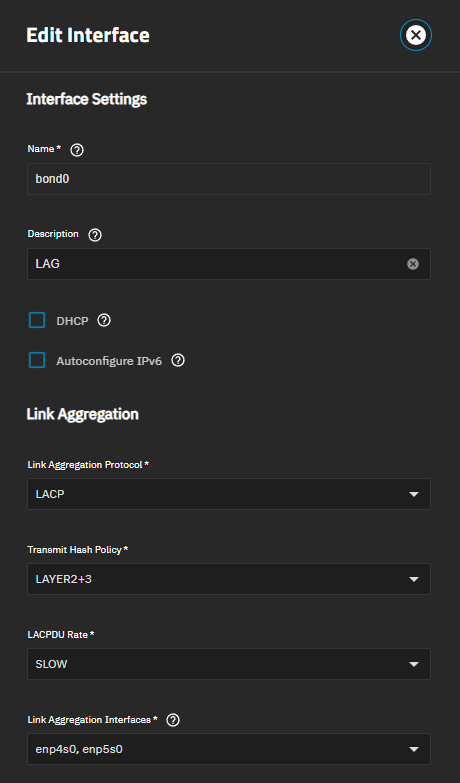
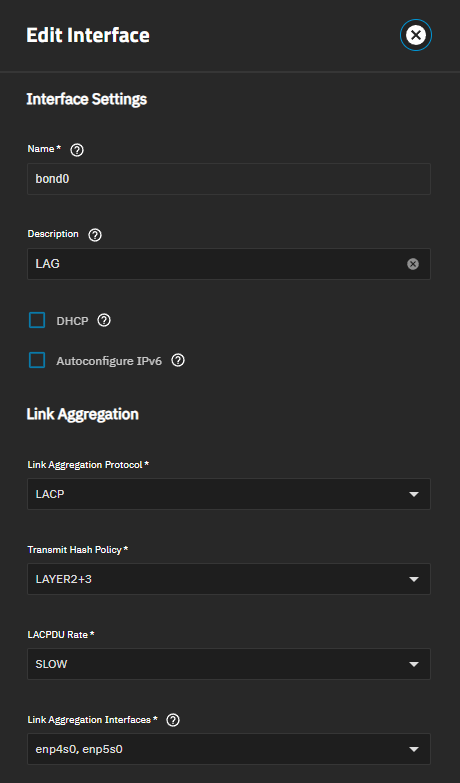
Next was a similar story. I removed the previous config where I had VLAN 1 -> enp4 and VLAN 100 -> enp5.
I replaced it with a new config where both ports were reset and a bond was created with both ports assigned along with LACP and LAYER 2+3 selected.
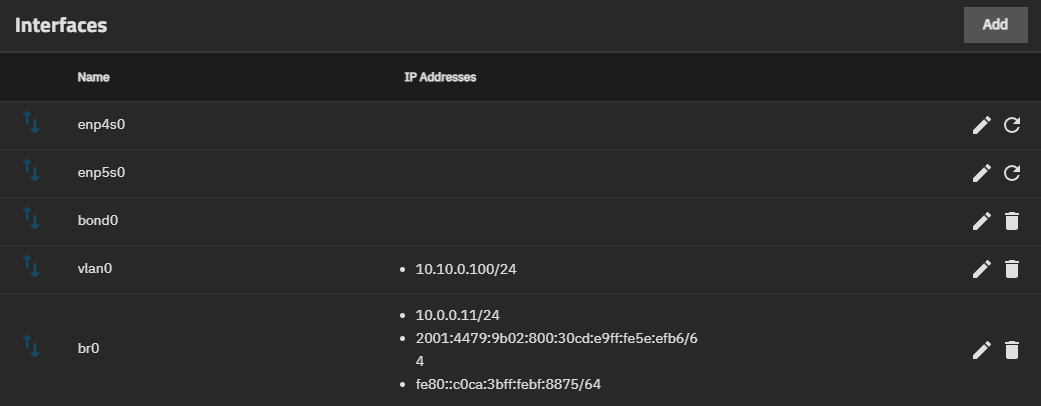
To use the bond LAG I created vlan0 and br0. vlan0 I assigned to VLAN 100 so my server subnet/VLAN can access it.
The br0 is the default VLAN 1 which what my pc is on so I can access it directly instead of threw the router, defeating the point of the LAG.
Testing it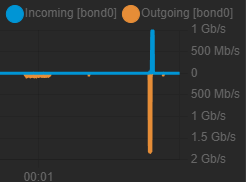
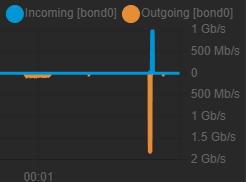
Once I had set everything up I tested it by loading openspeedtest (which I was hosing on truenas) on both my phone and pc.
Since my pc is directly attached to the switch and my access point in attached to my router which is also attached to the switch on a different port, I was able to test a connection to truenas at grate then gigabit speed. It did reach over gigabit on the truenas side however im not sure if there is any routing happening either on the switch or gate way ultra, as sometimes when running the test it wouldn't reach the full speed and instead it looked like it was still sharing gigabit link to both devices as the speed would ping pong between the two.
No comments to display
No comments to display